
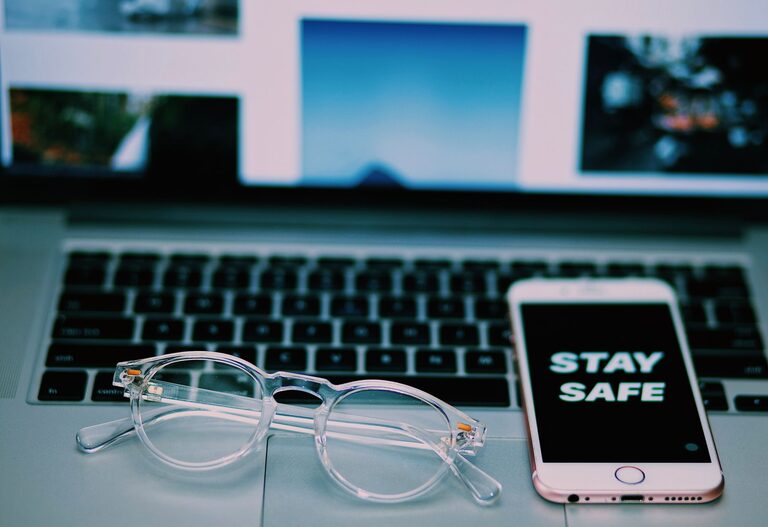
Keeping your phone and keyboard clean is essential for both hygiene and device longevity. These everyday gadgets accumulate dirt, oils, and germs that can affect performance and potentially your health. However, cleaning them requires care to avoid damage. In this post, we’ll guide you through safe, easy steps to clean your phone and keyboard effectively.
Why Cleaning Your Devices Matters
Phones and keyboards are among the most frequently touched items, often exposed to dust, food particles, and microbes. Regular cleaning helps:
– Reduce buildup that can affect responsiveness and function
– Minimize exposure to bacteria and viruses
– Maintain appearance and prevent discoloration
– Prolong the life of your devices
Now, let’s explore how to clean these devices without causing harm.
General Safety Tips Before Cleaning
Before you start, keep these tips in mind:
– Power off your devices: Always turn off your phone and unplug your keyboard before cleaning.
– Avoid harsh chemicals: Strong solvents can damage screens and key coatings.
– Use soft materials: Avoid abrasive cloths or sponges that can scratch surfaces.
– Don’t spray liquids directly: Apply cleaning solution to cloths, not directly onto devices.
– Check manufacturer guidelines: Some brands may have specific care instructions.
How to Clean Your Phone Safely
What You’ll Need
– Microfiber cloth
– Isopropyl alcohol (70% solution or less) or disinfectant wipes safe for electronics
– Cotton swabs
– Soft-bristled brush (optional)
Step-by-Step Cleaning Process
- **Turn off your phone** and remove any case or screen protector.
- **Wipe the exterior** gently with a dry microfiber cloth to remove dust and fingerprints.
- **Dampen the cloth lightly** with isopropyl alcohol or a safe disinfectant wipe. Avoid soaking it.
- **Wipe all surfaces** including the screen, back, and sides. Be careful around ports and buttons to prevent moisture getting inside.
- For small areas like speaker grills and charging ports, use a dry cotton swab or soft brush to remove debris.
- **Let your phone air dry** completely before turning it back on or reinserting the case.
Additional Tips
– Avoid using household cleaners like window sprays or bleach.
– If your phone is waterproof, check the manufacturer’s recommendations regarding cleaning liquids.
– Clean your phone regularly, especially during cold and flu season.
How to Clean Your Keyboard Safely
What You’ll Need
– Compressed air canister
– Microfiber cloth
– Isopropyl alcohol (70% solution or less)
– Cotton swabs or soft brush
– Mild soapy water (optional)
Cleaning Your Keyboard in Detail
- **Unplug your keyboard** or turn it off if wireless.
- **Turn it upside down** and gently shake or tap out loose debris.
- **Blow compressed air** between the keys to remove dust and crumbs. Short bursts work best.
- **Lightly dampen a microfiber cloth** with isopropyl alcohol and wipe the keys and surface. Avoid wetting too much.
- For stubborn grime around keys, use a cotton swab dipped lightly in alcohol.
- If keycaps are removable and your keyboard allows it, you can remove them and clean individually in mild soapy water, then dry thoroughly before reassembly.
- Allow the keyboard to air dry completely before plugging it back in or switching on.
Extra Care Notes
– Mechanical and gaming keyboards often have removable keycaps, but check your keyboard’s manual first.
– Avoid spraying liquid directly on the keyboard to prevent damage.
– Regular cleaning prevents buildup that can cause sticky keys.
Maintaining Clean Devices Daily
Small habits can help keep your phone and keyboard cleaner for longer:
– Wash your hands before using devices.
– Avoid eating or drinking near your keyboard or phone.
– Use a screen protector and phone case that are easier to clean.
– Wipe down your devices weekly or more frequently if needed.
Conclusion
Cleaning your phone and keyboard safely is straightforward when you use the right tools and techniques. Regular care not only keeps your devices looking great but also reduces germs and helps them work better. By following these tips, you can confidently maintain your tech without risk of damage.
Remember, always check your device manuals for any specific cleaning guidelines and avoid harsh chemicals. With gentle cleaning and consistent habits, your phone and keyboard can stay fresh and functional for years to come.